

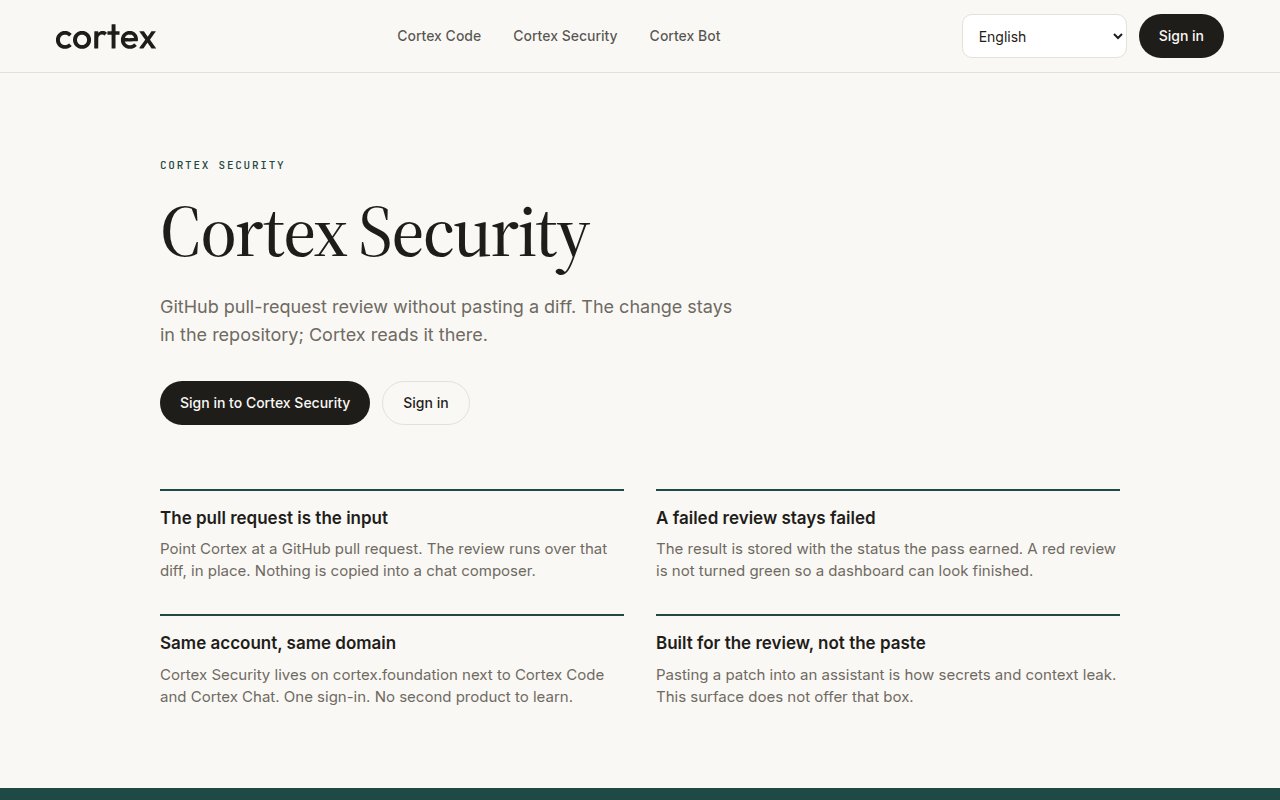
cortex.foundation/security — the public product page. The signed-in inbox is /code/security in the app.
Two routes, two things
Install and review
1
Sign in and open /code/security
Choose Code in the product switcher, then Security.
2
Install the Cortex Security GitHub App
From the inbox, install the app on the repositories you want reviewed. This is a separate install from Connect GitHub, which is for Code sessions.
3
Open a pull request
Cortex reads the diff in place and posts a check run named Cortex Security with its findings.
4
Read the inbox
Every review lands in
/code/security with the status the pass earned.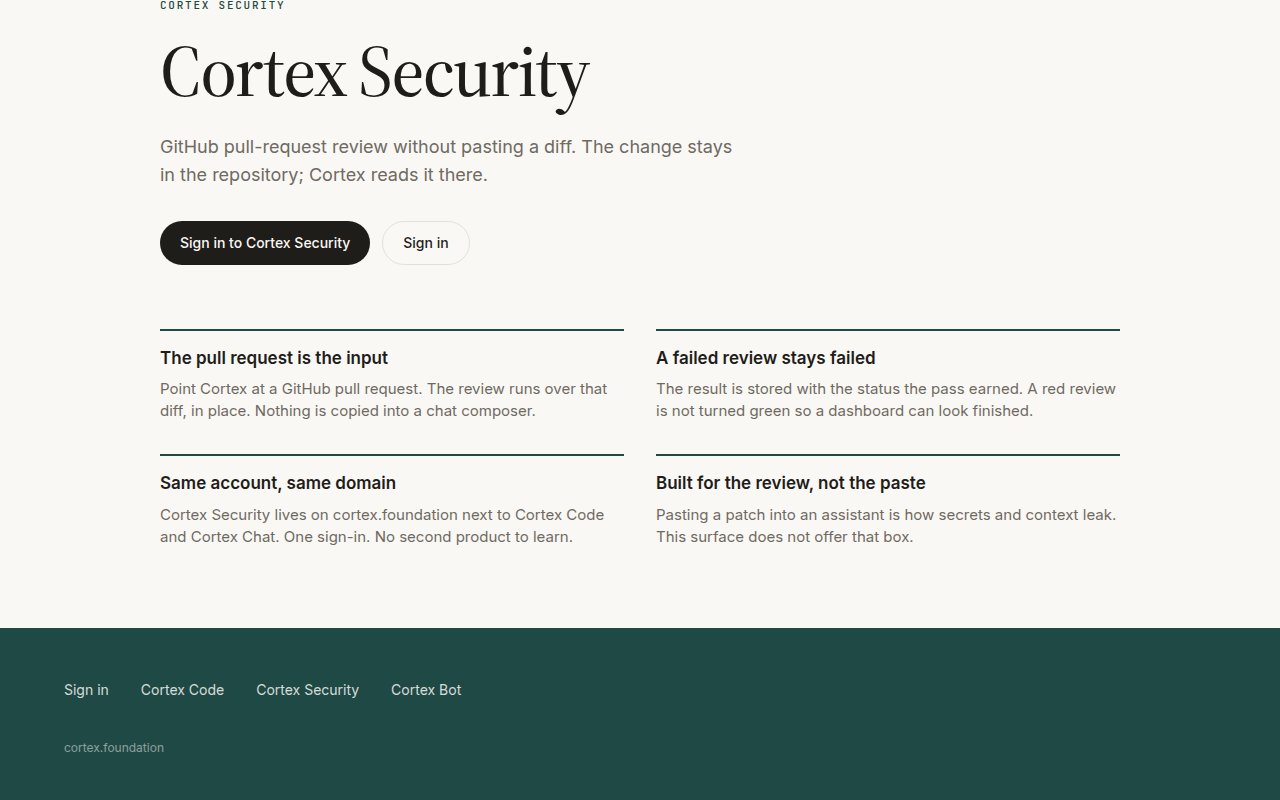
The product's four commitments: the pull request is the input, a failed review stays failed, same account and domain, built for the review rather than the paste.
How a review behaves
Cortex Security and the CLI
The CLI can run a review in CI from the working tree —cortex exec --auto read-only --git-diff "review this diff" — and cortex github install scaffolds the workflow. That is a headless Code run, not the Cortex Security GitHub App; use whichever fits your pipeline, or both. See Headless runs.
Related
- Connect GitHub — the other GitHub install.
- Security and privacy — data handling and sandboxes.
- Troubleshooting — what a failed check run means.