

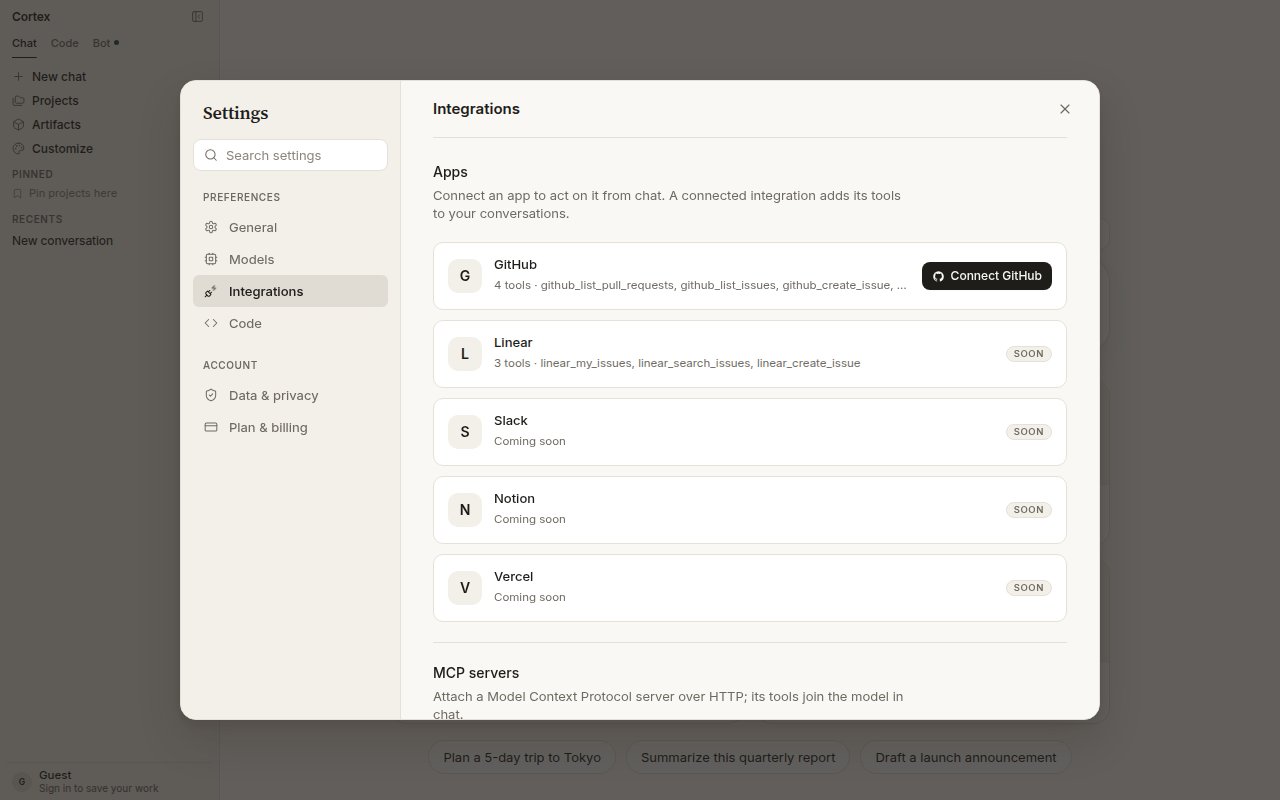
Settings → Integrations. Connect GitHub adds four GitHub tools to chat and unlocks repositories for Code.
Connect
1
Sign in
A guest cannot hold a GitHub grant — there would be no way to come back and revoke it.
2
Choose Connect GitHub
From Code Home, the repository picker, or Settings → Integrations.
3
Approve on GitHub
Grant access to the repositories you want Code to see. There is no personal-access-token field anywhere in Cortex; the connection is the only route.
4
Pick a repository
Back in Code, choose a repository and start a session. See Sessions.
What the connection gives you
If something is missing
Three different GitHub installs
Connect GitHub is not part of Chat’s connector catalogue under Customize, and Code Cloud is not a plugin surface.
Related
- Code quickstart
- Tools and connectors — the rest of Chat’s connections.
- Troubleshooting